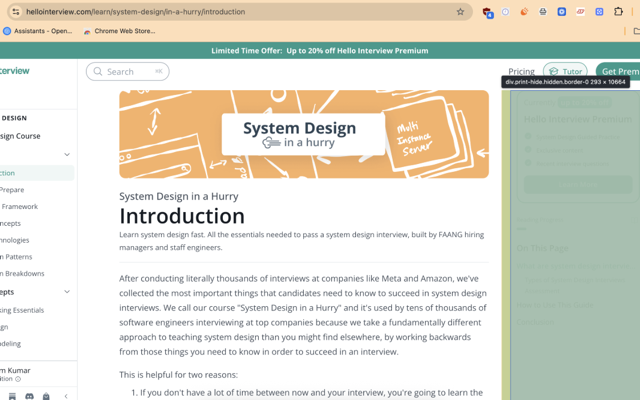
cleanview.ai lets you click to hide any distracting element on a webpage — sidebars, banners, widgets — and remembers your layout for next time. Nothing is ever deleted; everything is reversible.
No sign-up · nothing ever leaves your device
Hover to highlight — just like DevTools' inspector — then click. Keep going, hide as many elements as you like.
Elements are hidden with CSS, never deleted. Restore All brings everything back, instantly.
Save once, and the same elements stay hidden automatically the next time you visit that site.
Handles React, Next.js, and Vue apps that render content after the page loads.
Ctrl+Shift+X (⌘+Shift+X on Mac) toggles selection mode from anywhere.
No analytics, no remote server. Everything is stored locally in your browser.
A new feature, a change you'd like to see in action, or something that didn't work the way you hoped — drop it here. I read every one.
Thanks — I'll read it.
Couldn't send just now. Try again, or email me from Contact Us.